Case Study: Joomla Based Automation System
- Link originale: https://magazine.joomla.org/all-issues/march-2025/case-study-joomla-based-automation-system
- Tradotto da:: Pietro Strada
You probably know about automation tools like make.com, Zapier and IFTTT: no-code tools used to connect different systems. But did you know you can do that with Joomla’s Scheduled Tasks as the beating heart? Mohamed Abdelaziz shares with us how he built a Joomla Based Automation System.
Background
The client is a language examination centre, they have a somewhat complicated system with the following subsystems:
- Joomla website, publicly accessible so the students can register in exam sessions and pay the registration fees.
- Internal SuiteCRM instance to manage customers, contacts, invoices and follow up the exam attendance.
- PayU payment gateway to allow card payments for registrations.
- Fio banking system to allow bank transfer payments.
- Internal FlexiBee instance for accounting purposes.
The registration is working smoothly on the Joomla website, however there are a few issues with the payment notifications from PayU and Fio not being sent back to the Joomla website to approve the payment.
I have developed a Joomla plugin to integrate with SuiteCRM to synchronize the registrant information, but still there is a problem with checking the invoice payment status against PayU and Fio which is manually done, consequently transferring the invoice data to the FlexiBee.
At this point, the need arises for a system that functions as a central hub for the overall management of agendas, integrating the four independent systems through APIs.
Make.com was utilized to this system, but this resulted in the following issue.
Pain Points
- Utilizing a generic automation platform like Make.com had some pitfalls, like there are no special modules to integrate with 3 of 4 systems involved in this project, so the automation is pretty complicated for a no code project.
- Synchronizing sensitive data like PayU payments and Fio banking transactions implies that these data are accessible to a 3rd party like Make.com which is very risky for the client.
Problem Analysis
I was asked to suggest a solution to resolve these pain points, so I conducted an analysis of the Make.com scenarios and found that:
The APIs of SuiteCRM and PayU are limited in filtering specific records, therefore it is not straightforward on Make.com to synchronize a specific SuiteCRM invoice status with its payment status from PayU. It is required to use an HTTP module to retrieve a list of unpaid SuiteCRM invoices then to loop over them and check against the PayU payments.
The Fio API only returns a transaction sheet within a specified date range, so this needs somehow to be converted into an efficient data structure like an array or list to be able to find a payment with an invoice number.
Needless to say how many Make.com operations are required to implement this logic, which leads to a logarithmic cost increase as the number of the required operations is rapidly growing.
Challenges
- The API documentation of the Fio banking system is only in Czech language, however I don’t know a single Czech word\! The client has provided a PDF copy and I was able to translate it with the help of a ChatGPT plus account (I remember this started in April 2024, when ChatGPT didn’t have much power like it has now in 2025).
- Also testing such a system was very challenging because it integrates 4 different systems, each system has its own different API implementation, etc..
Solution Design
I believe that Joomla can be used to build this kind of solution, so I started to find out which extension type can do what. The “Scheduled Tasks” feature has been introduced in Joomla 4.1, it can be used to automate things with Joomla as explained in this article: Automating with Joomla Scheduled Tasks.
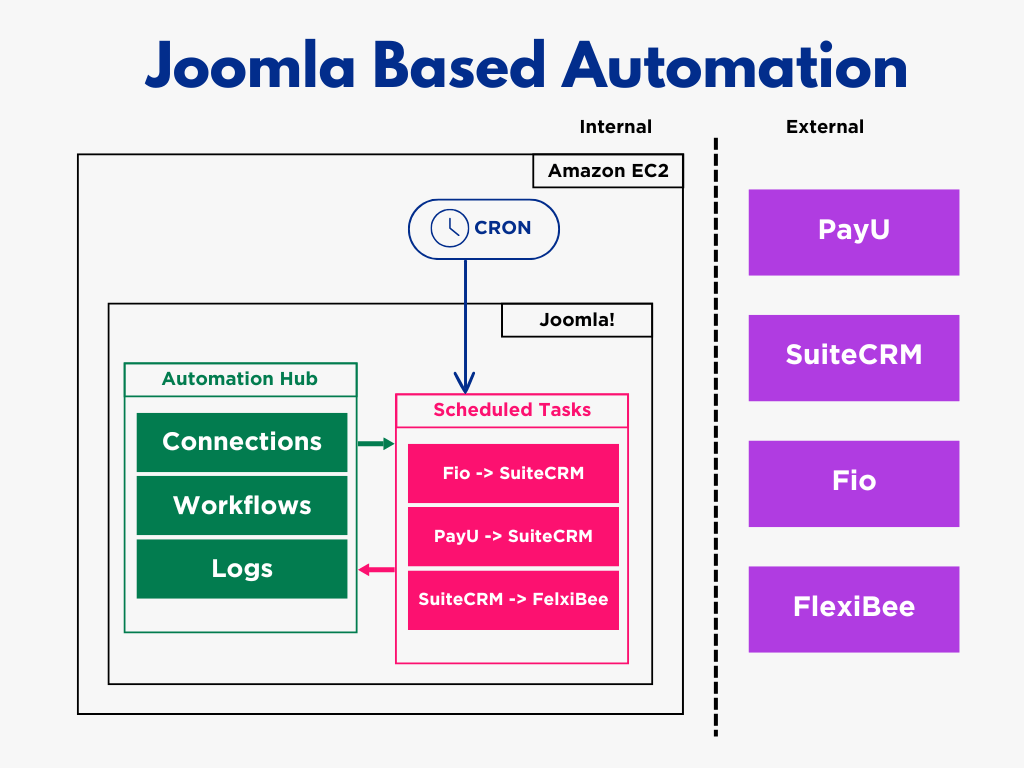
I think I found my calling, so I decided to design the solution with the Scheduled Tasks at its heart to automate the synchronization workflows, please look at the following diagram.

As you can see, Cron jobs will be used to trigger scheduled tasks on time based on the business requirements.
I didn’t choose AWS EC2 for hosting; the client already had it, so we used it to save on additional hosting costs.
Implementation
Connections
I designed the database first, then began developing the Connections part of the component, as it is fundamental to the other parts. 
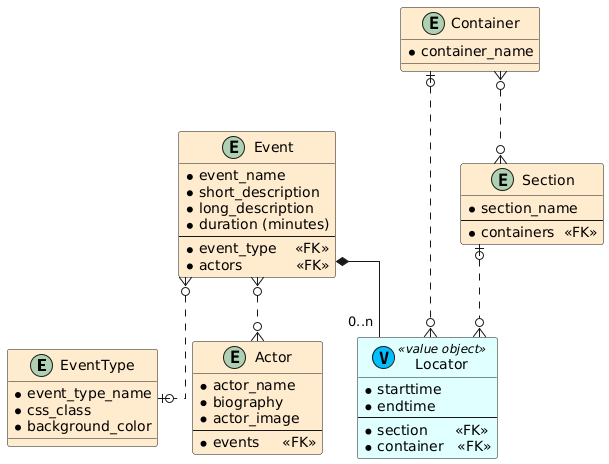
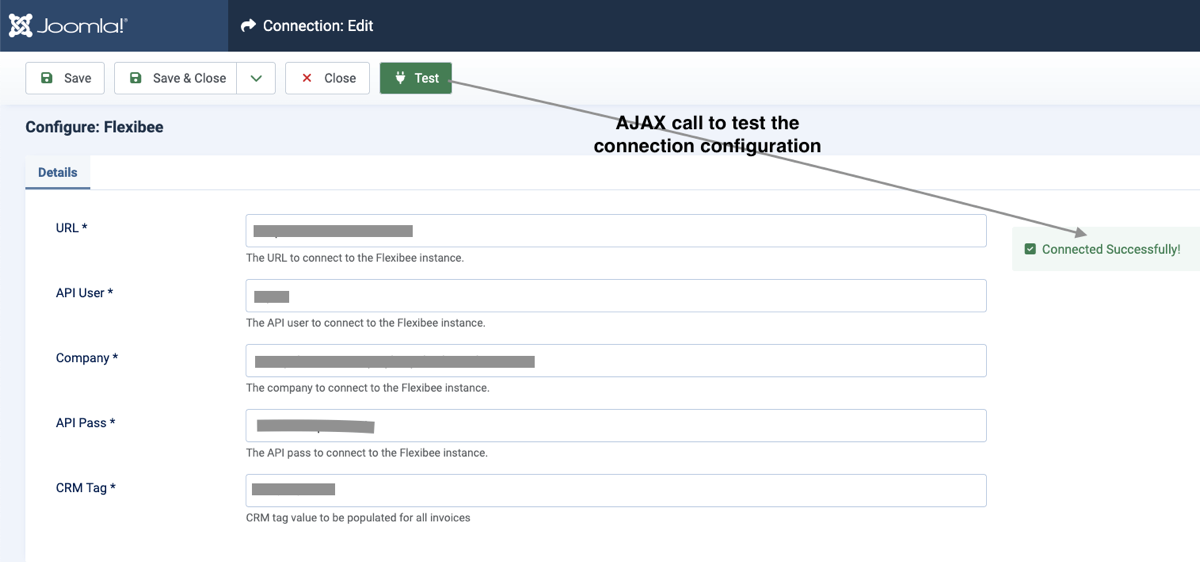
As you may know, each external system has its own API authentication logic and credentials. To encapsulate each API connection's details in a single field, I decided to store the connection credentials as a JSON string, similar to the params field in Joomla articles. I have also added a Test button to the Connection edit form to confirm that the entered connection details are correct and working. 
Workflows
The workflow is a synchronization process between 2 systems, for example the PayU To SuiteCRM workflow is a process to check if the Unpaid SuiteCRM invoice has a confirmed PayU payment, if yes it changes the invoice payment to Paid and closes it.
Also workflows are used in the filtering of logs. 
Logs
This is detailed information about the synchronized items from both systems being synced. It is useful for the auditing and troubleshooting purposes, as you can find the relevant item IDs and the time at which the synchronization was done. 
Scheduled Tasks
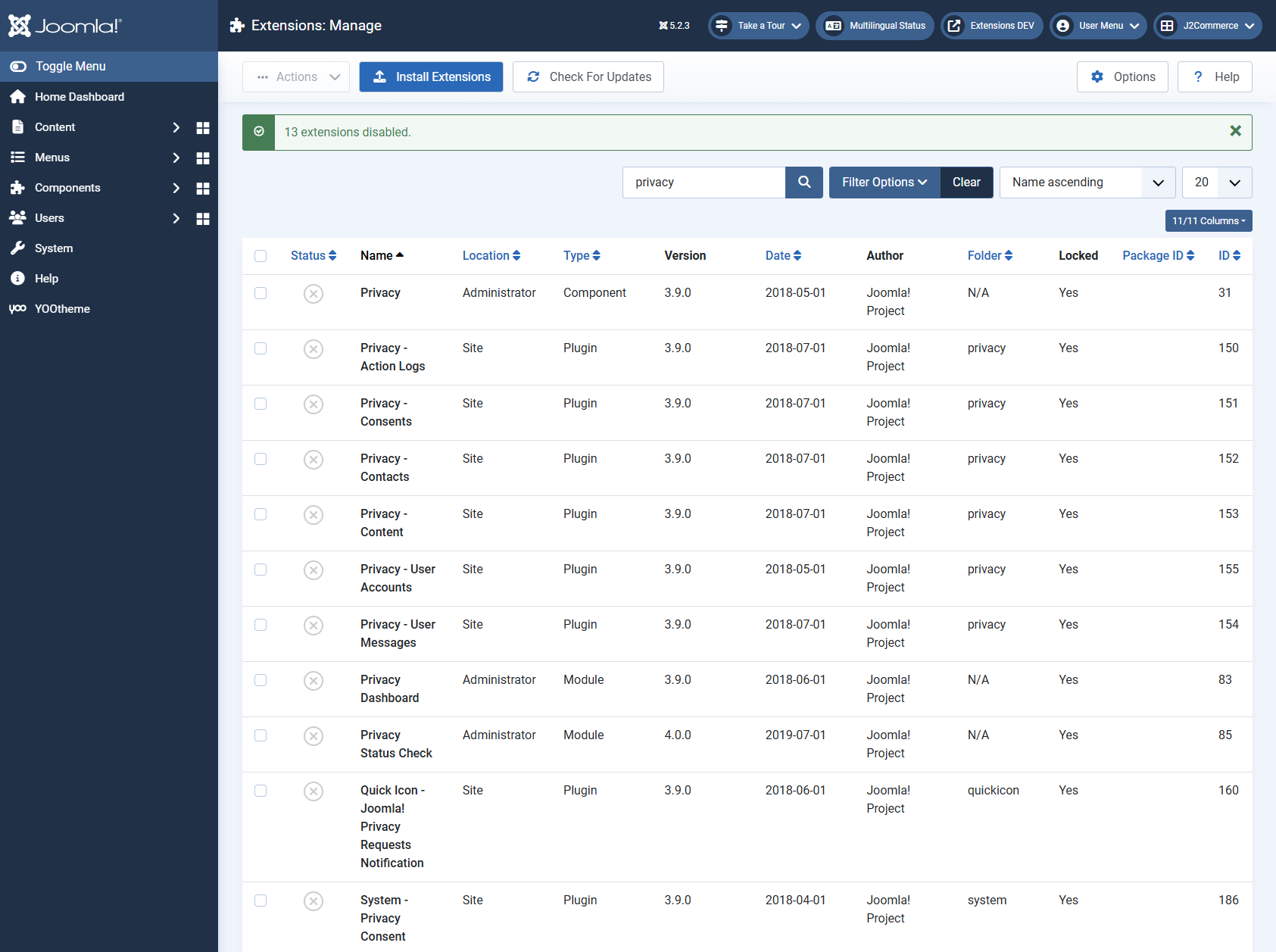
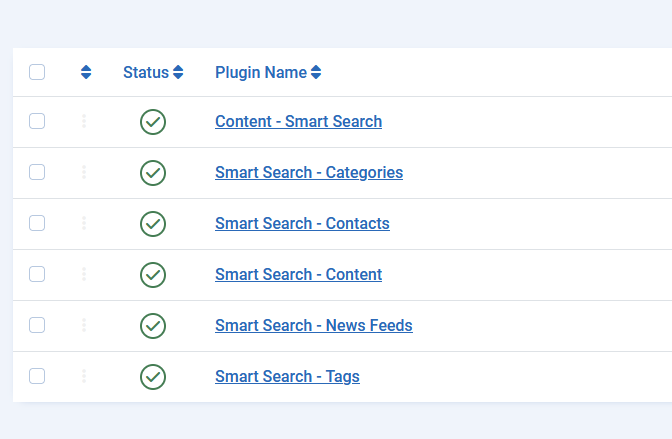
I have created a scheduled task plugin for each workflow to enable the client to schedule the workflows execution/triggering according to his business needs. 
I used the Web Cron option rather than the Lazy Scheduler option because the client wants to trigger the tasks on specific timing.
Deployment
The solution was deployed as a standalone Joomla website along with the Automation Hub component and the scheduled task plugins.
We created a Cron job for each task plugin to trigger the corresponding workflow based on the client business requirements.
Although the client has a public Joomla website to manage the exam registrations and we could deploy the solution to that site, I preferred to deploy it as a standalone private website to avoid the risk of exposing the bank and payment gateway data to the public.
At the end it is a back office component, so it is not required to be publicly accessible.
Impact on Productivity and Efficiency
- Time savings in check-in and registration management exceed 95%.
- Billing-related agenda management has been reduced by approximately 85%.
- Checking card transactions and invoice due dates have resulted in approximately 95% time savings.
- The error rate has been reduced by about 85% (the current errors are of a different nature than before).
- Human resource savings amount to 33%.
- The operational cost reduced to nearly 0 from $2K expected yearly cost on Make.com. The automation hub website is deployed to the client server they are already paying for to host other websites, i.e. they don’t pay any extra penny to host the automation hub solution.
Some articles published on the Joomla Community Magazine represent the personal opinion or experience of the Author on the specific topic and might not be aligned to the official position of the Joomla Project